Photo & video workflow, connected
Review. Approve. Deliver.
All in one place.
Give clients one branded link to watch films, browse photographs, leave precise feedback and approve the final work. You deliver faster — without chat threads, re-uploads or a second gallery.
No client account. No separate app. No second upload.
One project · one continuous handoff
Three people.
No messy handoffs.
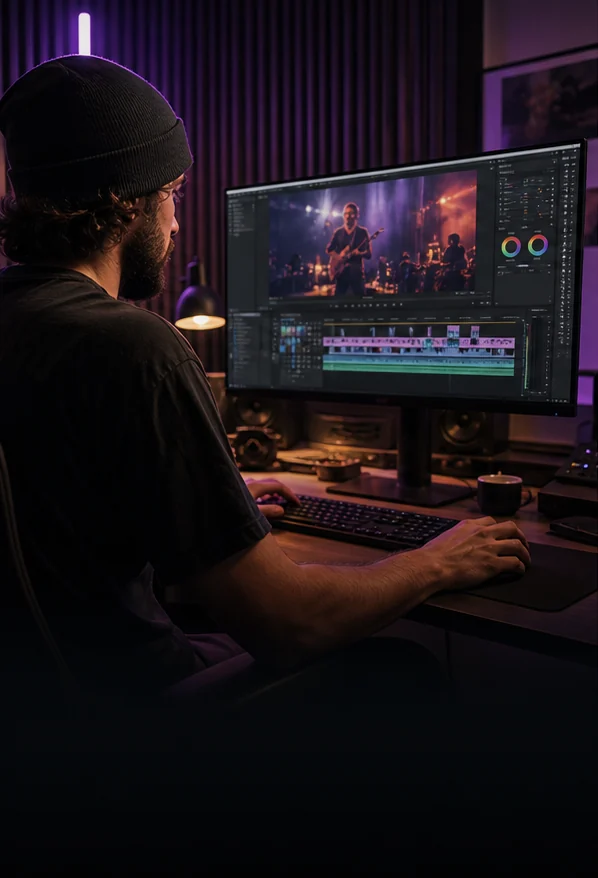
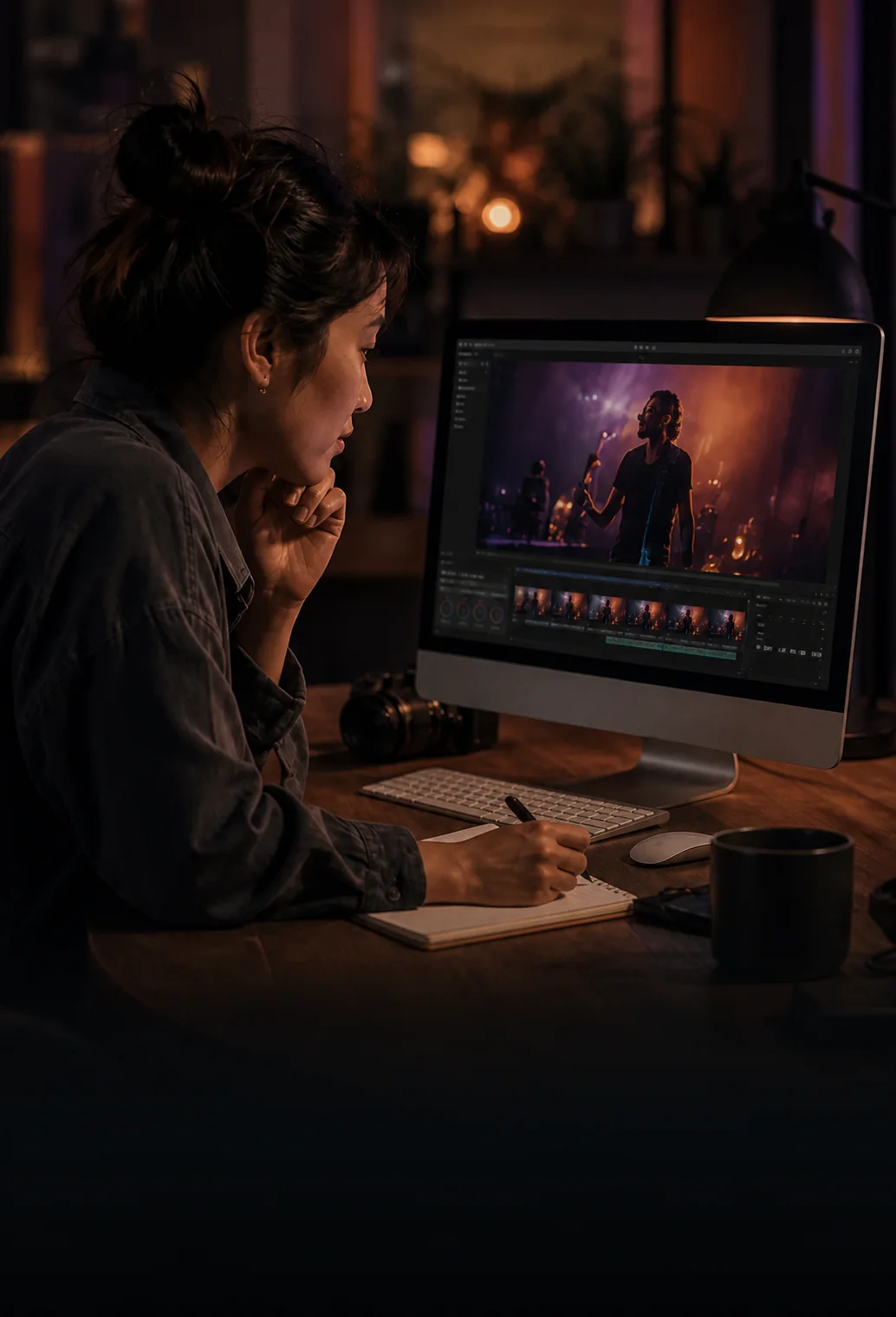
The editor uploads a version. You review it and leave exact changes. The client approves and receives the finished film and gallery — in the same project.
01
Editor
Edits and uploads the next version.
02
Photographer / videographer
Reviews every frame and leaves precise changes.

03
Client
Approves and receives the finished film and gallery.
One connected project
From first cut
to final gallery.
Film, photographs and feedback stay together in one calm, branded flow.
One project
Film + photographs
One review
Team + client
One delivery
Approved and ready
One continuous workflow
The handoff disappears. The work stays clear.
Two moments carry the whole promise: feedback returns to the edit, and approval is already the delivery.
One client experience
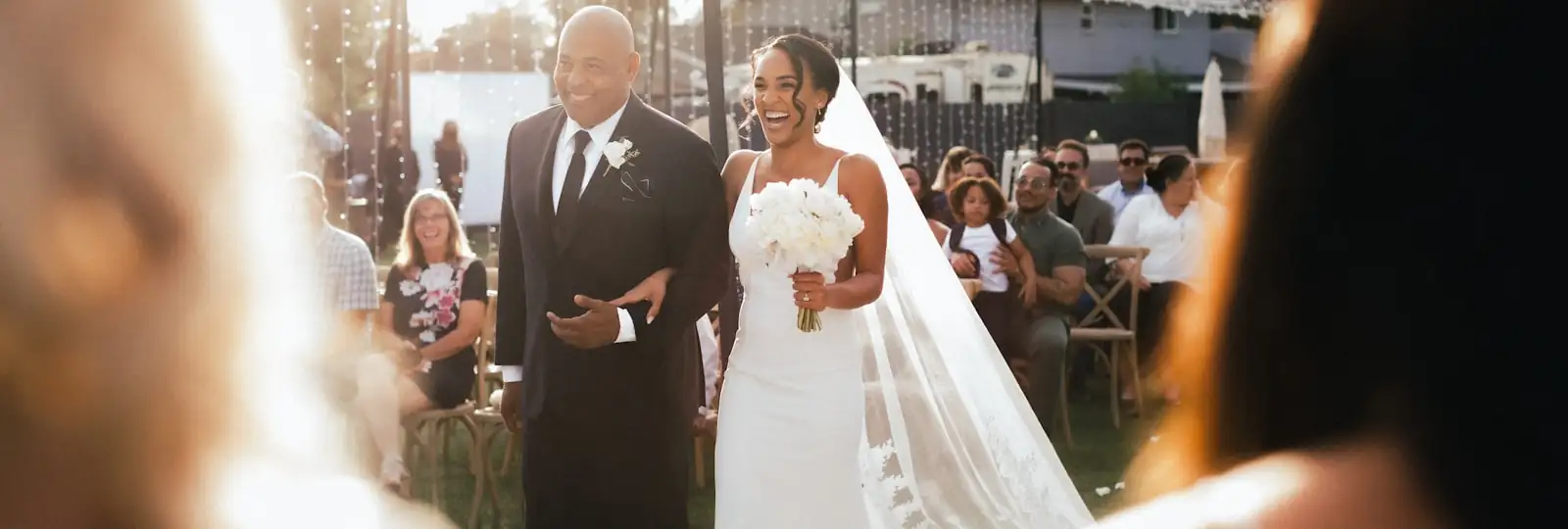
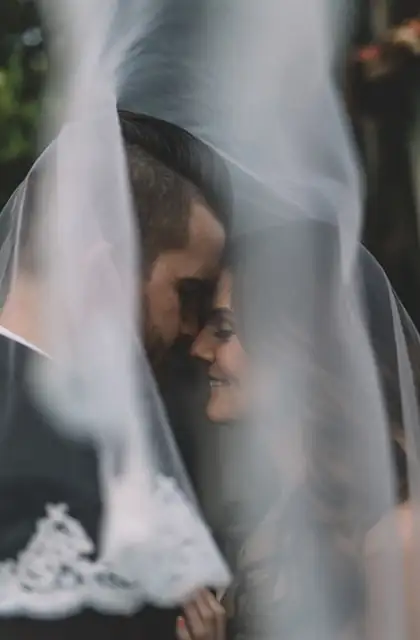
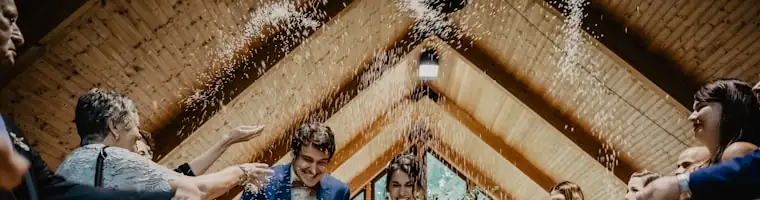
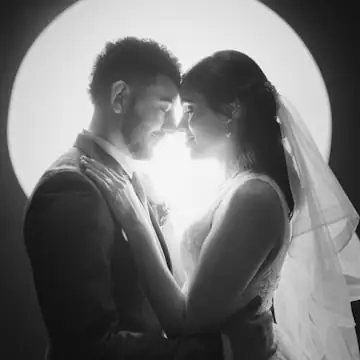
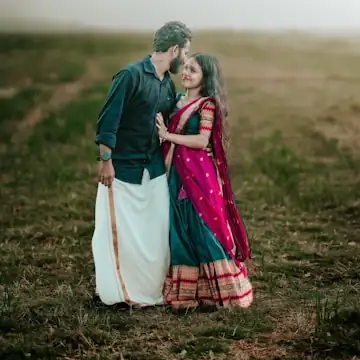
Films and photographs arrive together.
Your client opens one branded link to watch, browse, choose favourites and approve. The experience carries your studio's name — not another software brand.
- Film + full gallery
- No second gallery or final re-upload





Feedback returns to the work
Click the comment. Premiere opens the frame.
Studio and client notes land inside Premiere Pro. Fix the cut, export the next version and send it back without copying a timecode.
- Every note keeps its version and timecode
- Fix, export and send v-next
Across creative work
What creative teams are saying
Video, photography and agency work all need the same thing: feedback that stays attached and a delivery that is already ready.
Video production
01“Client feedback finally lands where the edit happens. We open the note, jump to the frame and keep moving.”

Julian Mercer
Northline Films
Photography studio
02“Our clients review films and photographs from one link. The delivery feels like our studio, not another tool.”

Clara Bennett
Field & Form Studio
Creative agency
03“The team and the client always see the same version. Approval is clear, and the finished work is already ready to share.”

Maya Okafor
Common Thread Creative